
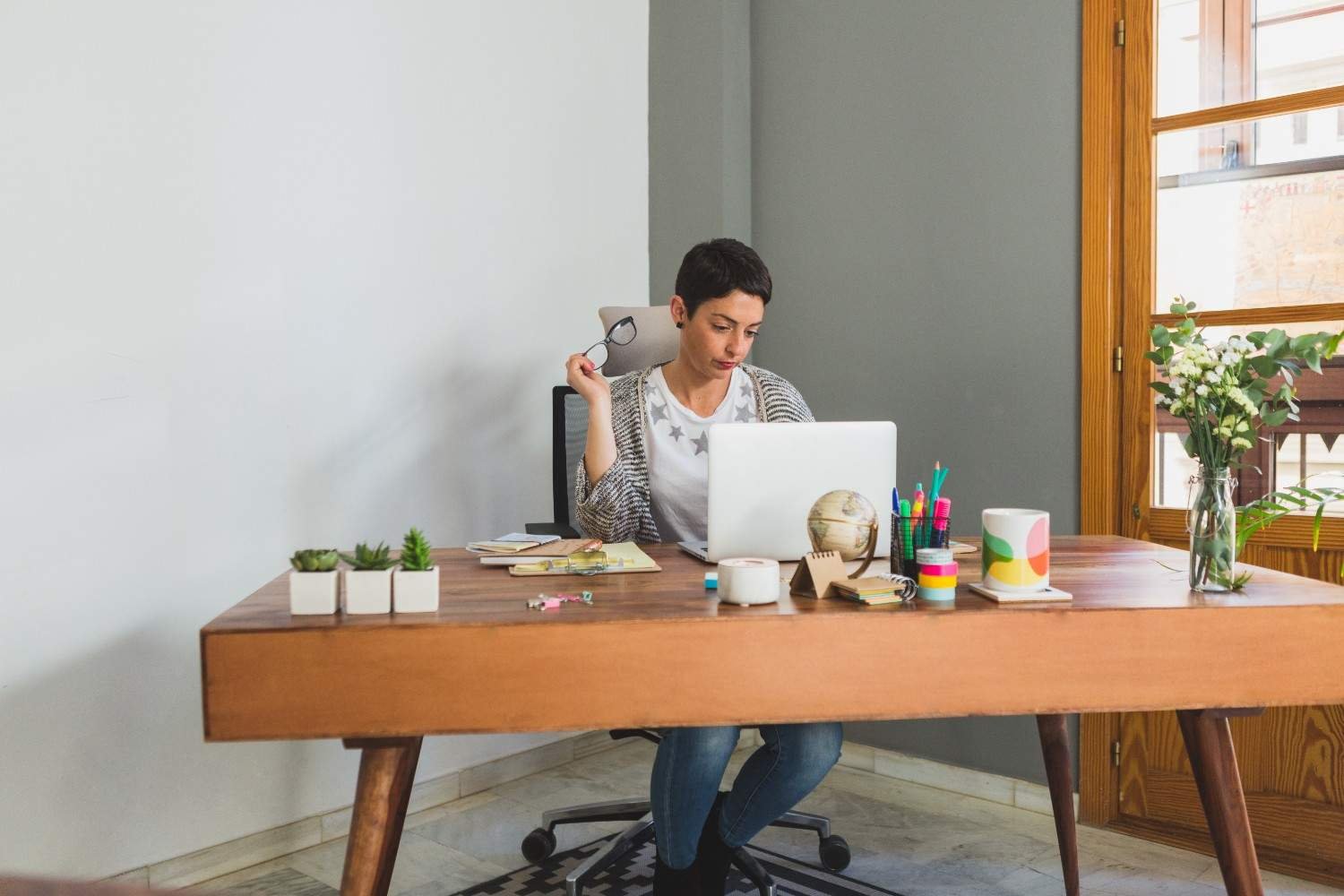
Working from home sounds convenient until your desk becomes a clutter zone, your chair starts hurting your back, and every video call shows the mess behind you. I have learned that a good workspace does not need to be huge or expensive. It simply needs to support the way you work every day.
The best home office setup ideas combine comfort, smart layout, lighting, storage, and style so your workday feels smoother from the first email to the last meeting.
For many remote and hybrid workers across the US, a home office is no longer a temporary corner. It is where deadlines, calls, planning, creative work, and daily routines happen. That means your setup should help you focus, protect your posture, and still look good inside your home.
Why Your Home Office Setup Matters
A strong work from home setup does more than hold your laptop. It affects your energy, posture, concentration, and productivity. A poorly placed screen can create neck strain. A weak chair can cause back discomfort. Bad lighting can tire your eyes, especially if you deal with light sensitivity. Clutter can make even simple tasks feel harder.
When you design your workspace with intention, you create a clear boundary between home life and work life. This matters even more if your office sits in a bedroom, living room, apartment nook, or shared family space. A productive home office setup should make it easy to start work, stay organized, and shut everything down when the day ends.
Choose the Right Spot Before Buying Furniture
The best home office location depends on your floor plan, noise level, natural light, and work style. A spare room gives you privacy, but not everyone has that option. A bedroom corner, hallway nook, living room wall, or unused closet can work well when planned carefully.
If you take frequent video calls, choose a spot with a clean background and limited foot traffic. If you do deep work, avoid high-traffic areas near the kitchen or TV. If possible, set your desk near natural light, but do not place your monitor directly in front of or behind a bright window. A desk placed perpendicular to windows helps reduce screen glare while still giving you daylight.
Build an Ergonomic Desk Setup That Supports Your Body
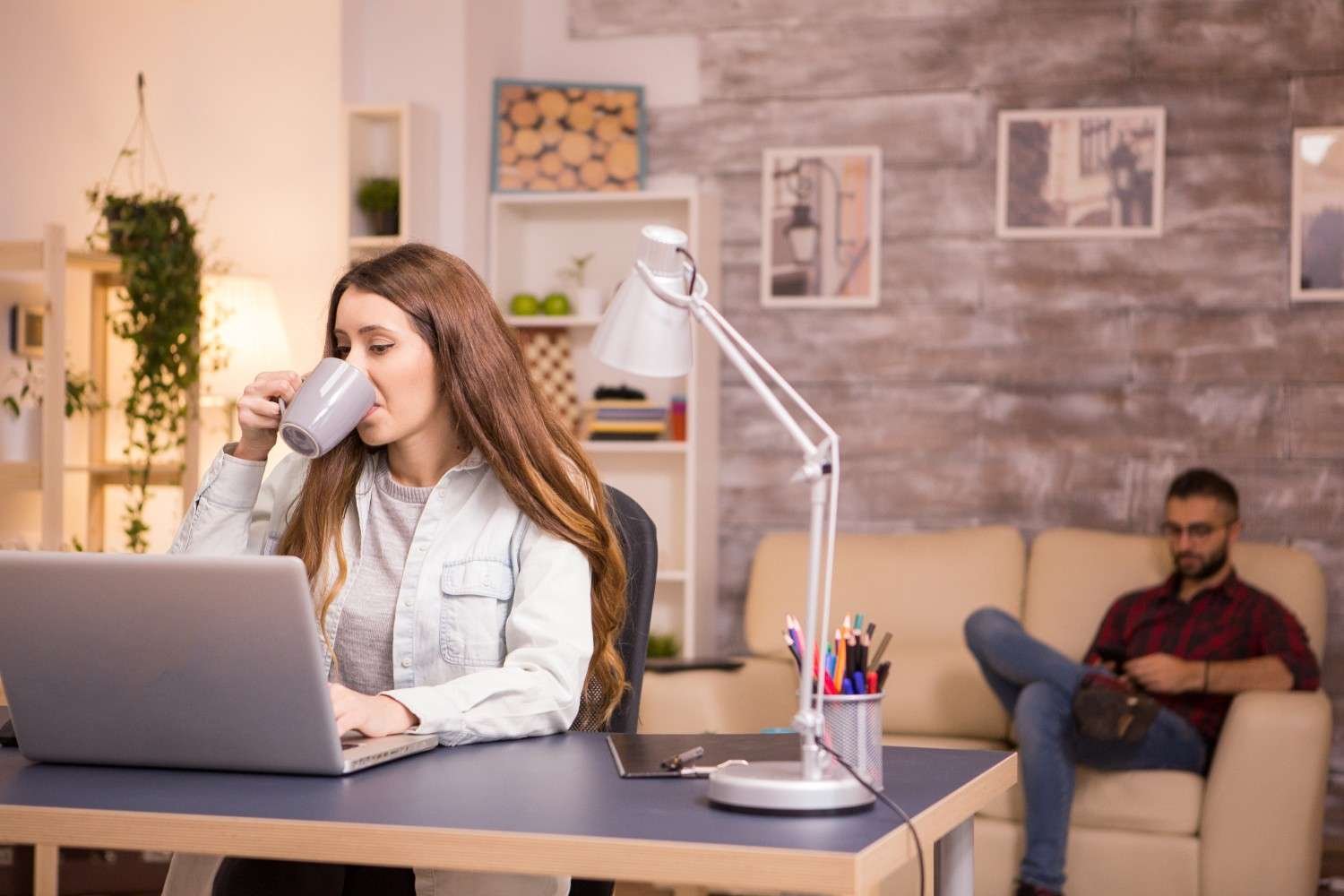
An ergonomic home office setup should be your first priority because comfort affects everything else. Start with an adjustable office chair that offers reliable lumbar support. Your feet should rest flat on the floor, your shoulders should stay relaxed, and your lower back should feel supported throughout the day.
A standing desk can also improve your routine, especially if you choose a height-adjustable motorized desk that lets you switch between sitting and standing without interrupting your workflow. You do not need to stand all day. The goal is to change positions and avoid staying locked in one posture for hours.
Your screen position matters too. A monitor arm is one of the smartest upgrades because it lifts your screen to eye level and frees up desk space. If you use a laptop, pair a laptop stand with an external keyboard and mouse. This simple change can reduce neck strain and help you work with better posture.
Pick a Desk That Matches Your Work Style
Your home office desk setup should fit what you actually do. If you only need a laptop, a compact writing desk may be enough. If you use dual monitors, paperwork, a printer, or creative tools, choose a wider desk with more depth.
An L-shaped desk works well for corner workstations because it uses space that often goes wasted. It also gives you separate zones for computer work, writing, and storage. A fold-down wall desk is a smart option for renters, studio apartments, or multipurpose rooms because it hides away when the workday ends. Dual-purpose furniture, such as a desk with shelves or a storage cabinet that doubles as a workstation, can make a small room more functional.
Use Space-Saving Layouts for Small Rooms
Small home office ideas work best when every inch serves a purpose. A closet office, often called a cloffice, is one of the most practical options. You can remove the doors, add a desktop surface, install floating shelves, and create a focused workspace inside an unused closet.
Corner workstations are another strong choice for small bedrooms, condos, and apartments. A narrow L-shaped desk can give you more surface area without taking over the room. Floating shelves, wall organizers, and vertical storage keep supplies nearby without crowding your desk.
If your office shares space with a bedroom or living room, choose furniture that feels light. Slim desks, neutral colors, clear acrylic chairs, and wall-mounted storage can make a compact workspace feel open instead of cramped. Keeping the area fresh with eco-friendly cleaning products for home can also support a cleaner, healthier workspace.
Improve Lighting for Focus and Video Calls
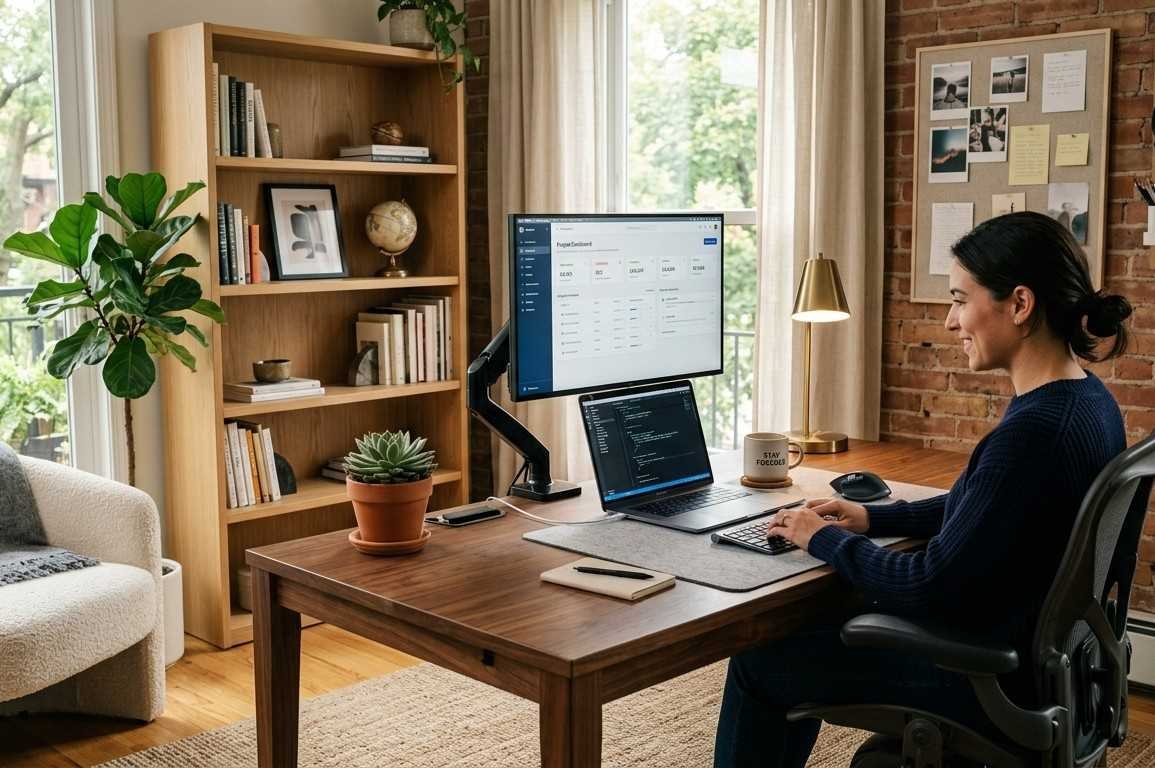
Home office lighting ideas should support both productivity and comfort. Natural light can make your workspace feel brighter and more energizing, but glare can quickly become distracting. That is why placing your desk perpendicular to a window usually works better than facing the window directly.
Task lighting is just as important. A dedicated LED desk lamp with adjustable color temperatures helps you change the mood based on the time of day. Cooler light can support focus during detailed tasks, while warmer light can feel better during evening work.
For video calls, avoid sitting with a bright window behind you. Place soft light in front of you so your face looks clear on camera. A clean neutral wall, simple shelving, framed art, or a decorative room divider can create a professional background without making your home feel like a corporate office.
Keep Storage Simple and Easy to Maintain
Home office organization ideas should make your daily routine easier. Start by clearing your desk of anything you do not use during work hours. Keep essentials such as your laptop, notebook, charger, headphones, planner, and water bottle within easy reach.
Floating shelves, file cabinets, pegboards, baskets, rolling carts, and drawer organizers can help you manage paperwork and supplies. If you work in a small room, use vertical storage instead of spreading everything across the floor. Cable clips, cord sleeves, charging stations, and under-desk cable trays also help keep your workspace clean and calm.
A clutter-free workspace looks better, but more importantly, it saves time. You should not have to search for a charger, pen, or document in the middle of a busy workday.
Add Style Without Creating Distractions
Home office decor ideas should make your space feel inviting without pulling your attention away from work. A rug can define the office area in an open room. Plants can soften the space and add color. Wall art, peel-and-stick wallpaper, framed prints, or a simple accent wall can make your setup feel personal.
A minimalist home office works well if you prefer a calm, clean look. Soft neutrals, natural wood, and hidden storage create a peaceful setting. If you want more personality, try deeper colors like navy, charcoal, olive green, or warm brown. The best home office setup ideas balance beauty with function, so every design choice should support how you work.
Create a Budget-Friendly Setup That Still Feels Premium
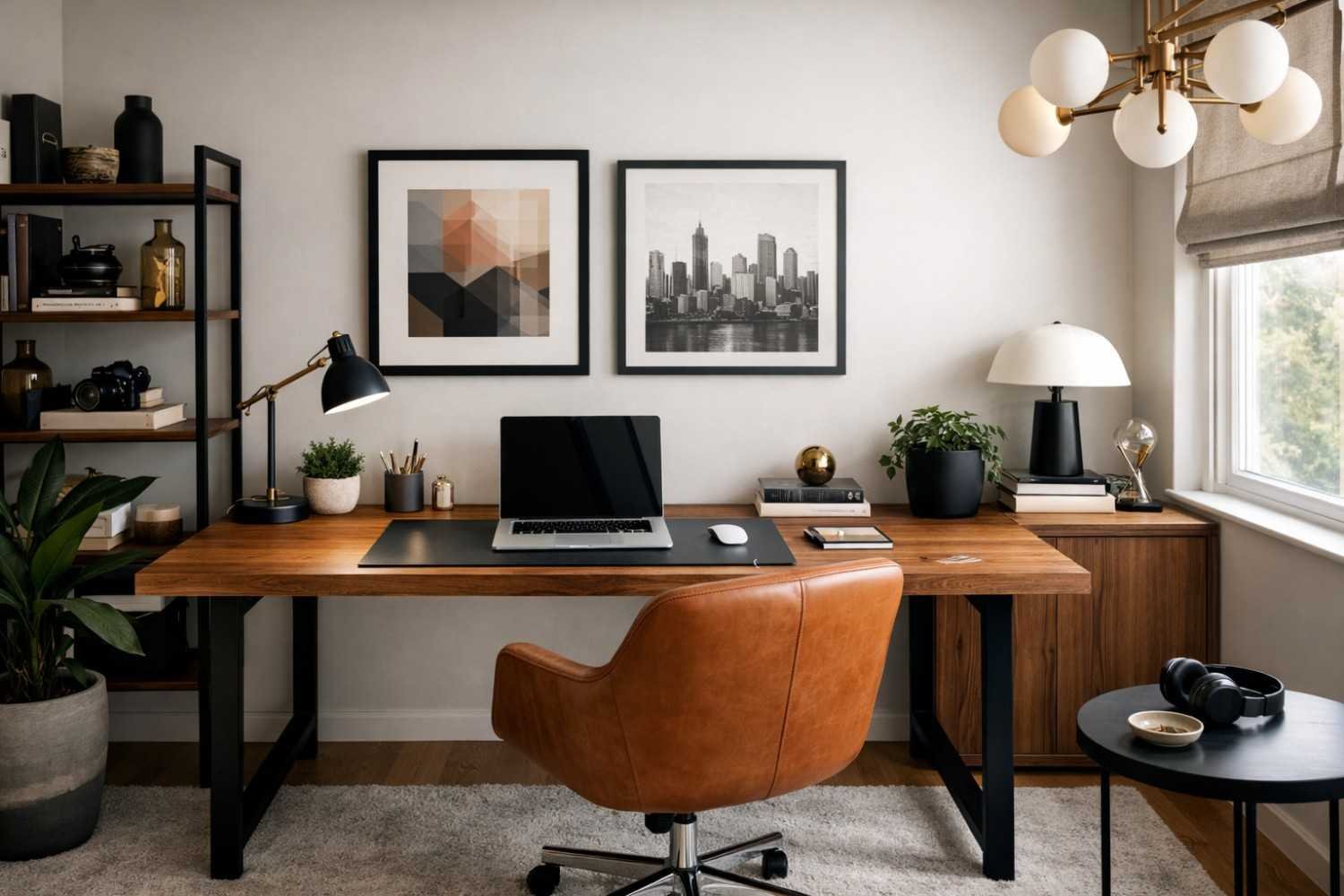
You do not need to buy everything at once. Start with the upgrades that affect comfort most: a better chair, proper screen height, good lighting, and simple storage. After that, add decor and accessories slowly.
A monitor arm, desk lamp, cable tray, affordable rug, floating shelf, or secondhand desk can make a major difference without a full renovation. Renters can use removable hooks, rolling carts, fold-down desks, and temporary wallpaper to create a flexible workspace that does not damage walls.
A smart home office is not about spending the most money. It is about solving the problems that interrupt your workday. If your back hurts, fix the chair. If your desk feels crowded, add storage. If calls look messy, improve your background. If your energy drops, rethink lighting and layout.
Frequently Asked Questions (FAQs)
1. What should every home office include?
Every home office should include a comfortable chair, a practical desk, good lighting, reliable internet, organized storage, cable management, and a setup that supports your daily work tasks.
2. How do I make a small home office look bigger?
Use a compact desk, floating shelves, light colors, vertical storage, clear surfaces, and furniture with slim legs to make a small workspace feel more open.
3. Is a standing desk worth it for a home office?
A standing desk is worth it if you want more movement during the day. A motorized height-adjustable desk makes it easier to switch between sitting and standing.
4. How can I make my home office better for video calls?
Use soft front lighting, raise your camera to eye level, keep the background clean, and add a neutral wall, shelves, art, or a decorative room divider behind you.
Final Thoughts
A great home office does not need to look like a showroom. It needs to work for your real life. I believe the most useful home office setup ideas are the ones that improve comfort, reduce clutter, support focus, and make your workday feel easier. These simple remote work tips can help you build a space that supports your daily routine.
Start with the essentials: an ergonomic chair, proper desk height, screen support, smart lighting, and simple storage. Then add the personal details that make the space feel like yours. With the right layout and a few thoughtful upgrades, even a small corner can become a stylish, productive workspace you enjoy using every day.




Leave a Reply